Posted: March 25th, 2026
In today’s digitally driven world, homes and offices are filled with devices that demand power, laptops, printers, lamps, chargers, smart speakers, fans, refrigerators, and more. While wall sockets are essential, most spaces simply don’t have enough of them in convenient locations. That’s where an extension socket becomes invaluable. It not only expands the number of available power outlets but also offers flexibility and convenience when organising your gadgets and appliances. But with so many options on the market, how do you choose the right one? In this guide, we’ll walk you through everything you need to know before making a purchase.
1. Understand What an Extension Socket Is
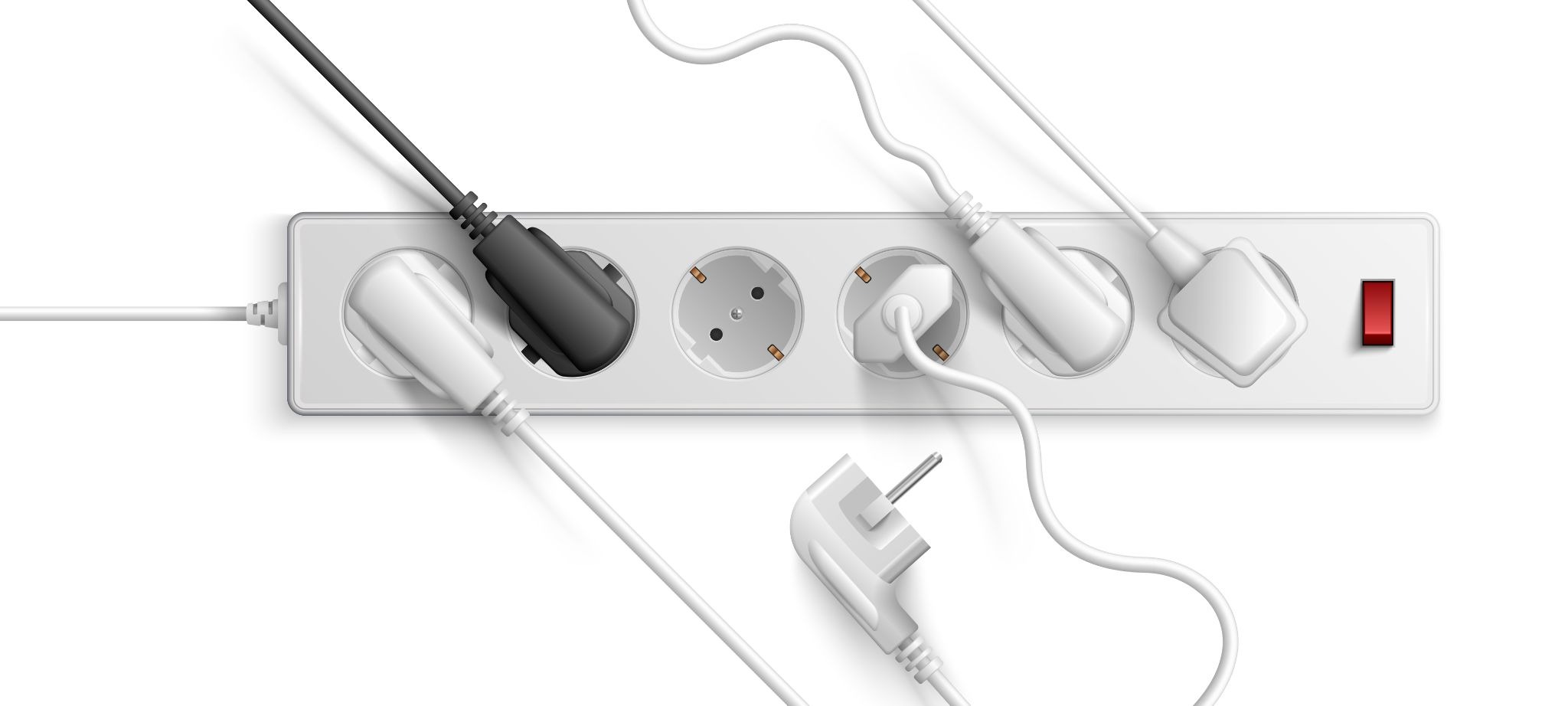
An extension socket, also known as a power strip or extension lead, is a device that plugs into a wall outlet and offers multiple outlets for connecting electrical equipment. Some models also include additional features like USB ports, surge protection, individual switches, and overload indicators. Extension sockets come in various shapes and sizes and are designed for use in both residential and office environments.
2. Consider the Number of Outlets You Need
The first and most obvious factor is how many devices you plan to power simultaneously. A simple extension socket might have 3–4 outlets, while larger ones can offer 6, 8, or more. If you’re setting up a workstation with a computer, monitor, printer, lamp, and cellphone charger, choose a socket strip with extra outlets so you’re not constantly unplugging and replugging devices. It’s generally wise to err on the side of having a few more outlets than you think you’ll need.
3. Evaluate Safety Features
Safety should be a top priority when selecting an extension socket because multiple devices can draw significant current, potentially leading to overheating or electrical hazards if the socket is under-rated. Look for the following safety features:
- Surge Protection: Protects connected devices from sudden voltage spikes caused by power surges. It’s especially important for sensitive electronics like computers and TVs.
- Overload Protection: A built-in circuit breaker or fuse can cut power automatically if too much current flows through the socket.
- Safety Certification: Choose extension sockets that meet recognised electrical safety standards, ensuring they’ve been tested for quality and reliability.
These features not only protect devices but also give peace of mind in environments with fluctuating power loads.
4. Choose the Right Cable Length and Thickness
The length of the cord determines how far the extension socket can reach from the wall outlet. Measure the distance from your power source to where you intend to place the socket strip before choosing. A longer cord offers flexibility but can create safety hazards if it’s excessively long and cluttered.
Also pay attention to the gauge (thickness) of the cable. Thicker cables (with lower gauge numbers) can carry more current safely and are suitable for powering multiple devices over longer distances without overheating or voltage drop.
5. Look for Extra Convenience Features
Modern extension sockets often come with extra features that make them more useful:
- USB Ports: Ideal for charging phones, tablets, or other USB devices without needing separate adapters.
- Individual Switches: Allow you to turn off specific outlets without unplugging them, saving energy and extending the life of your devices.
- Indicator Lights: Helpful to show when surge protection is active or when the socket is powered on.
These additional features can make daily use easier and more efficient, especially in busy workstations or entertainment areas.
6. Match the Load Capacity to Your Devices
Never overload an extension socket. Look at the maximum current and wattage rating on the socket and ensure the combined load of your devices doesn’t exceed that limit. For most household and office electronics, a standard extension socket rated at 13 A is sufficient, but heavy appliances like heaters or microwaves may need specialised high-capacity models.
7. Placement and Usage Tips
When installing your extension socket:
- Avoid placing it under carpets or behind heavy furniture where heat can’t dissipate.
- Never daisy-chain one extension socket into another — this increases the risk of overheating.
- Keep cords organized and out of walkways to prevent tripping hazards.
Proper placement and mindful usage extend the life of your extension socket and reduce safety risks.
Conclusion
Choosing the right extension socket for your home or office is about balancing convenience, safety, and performance. Start by understanding your power needs, then evaluate outlet count, safety features, cord length, and additional conveniences like USB ports and switches. Prioritising certified, well-built products will keep your devices safe and your space clutter-free. To find reliable electrical solutions that meet these criteria, including a wide range of extension sockets and accessories, check out the trusted offerings from Glaze Electricals.
Upgrade your workspace today, explore Glaze Electricals premium extension sockets and keep your devices powered safely!


